
Travel expenses, straight from your photo library.
Docket Pocket reads your travel photos on macOS, detects the trips you took, and produces a clean expense journal you can hand to your accountant at tax time.
Requires macOS 15 or later. Works with iCloud Photos.
All local
Photos, OCR, and reports stay on your Mac. No account. Nothing uploaded to third-party servers.
Reads photos and receipts
GPS decides which photos are travel and groups them into trips. Optional OCR reads receipts for amounts, merchants, and GST — Australian 1/11 fallback included. Dedupes bursts, drops photos from other people that snuck in via shared iCloud libraries.
Real exports
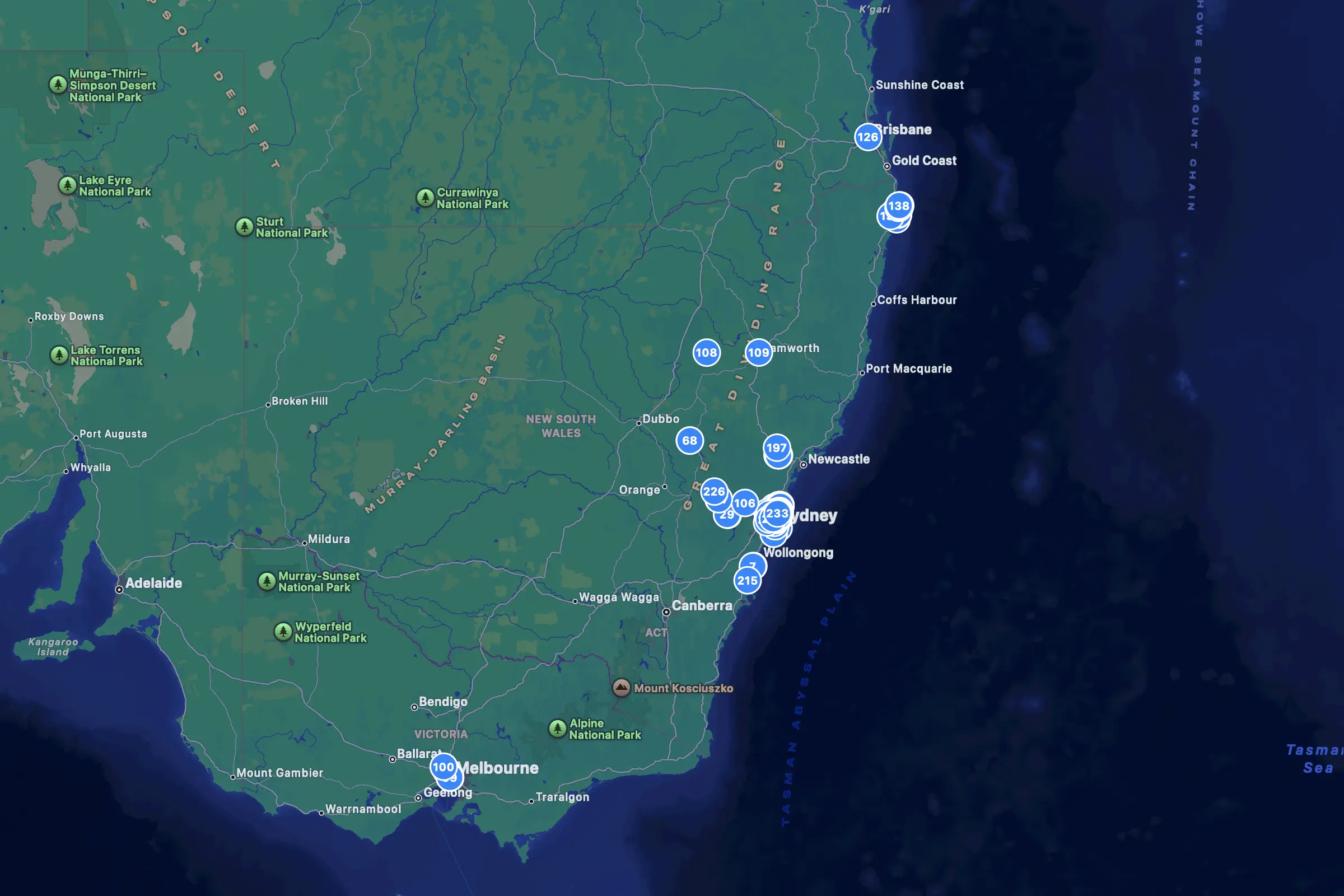
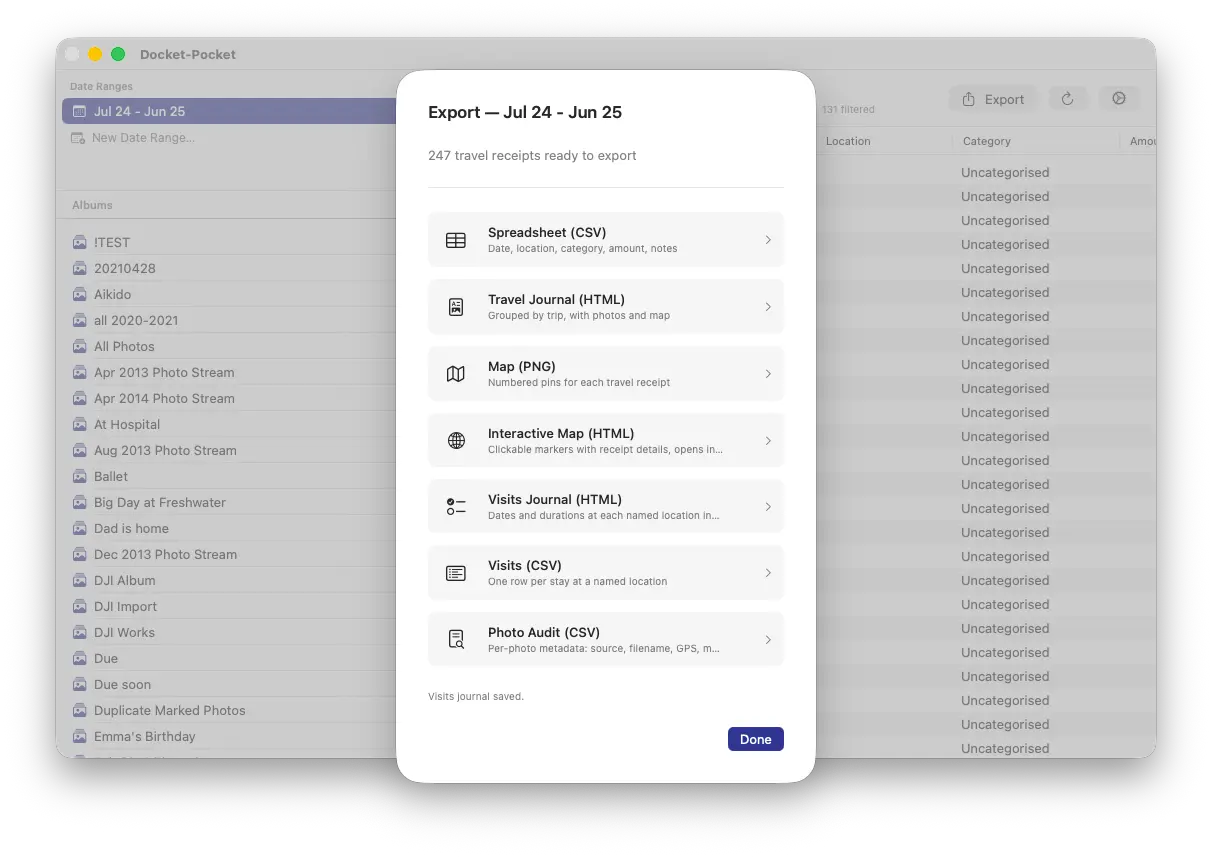
Spreadsheet CSV, HTML travel journal with photos and maps, per-visit relocation log, interactive map. Not just a screen — files you can send.
How it works
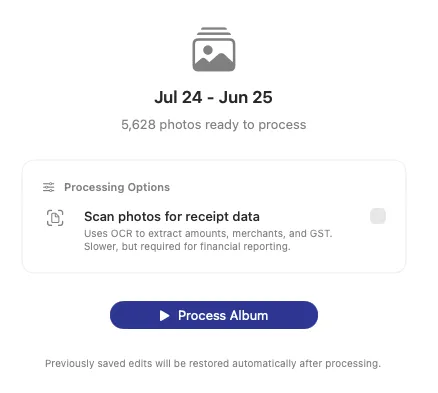
Point Docket Pocket at a Photos album or a range of dates. For each photo it reads GPS and date, then decides whether you were travelling based on how far you went from home. Tick Scan photos for receipt data if you want the receipts OCR'd too — amounts, merchants, and GST are extracted on the spot. You review the result in a table, correct anything the algorithm got wrong, and export what your accountant needs.
Made in Australia
Built for Australian sole traders, tradies, freelancers, and small-business owners who take photos of receipts and travel with their iPhone. At tax time, Docket Pocket turns that year of photos into the records your accountant actually wants — a spreadsheet of travel-related receipts with GST, a photo-illustrated trip journal, and a map showing where you went. Australian GST is calculated on the 1/11 fallback where the receipt doesn't spell it out. Docket Pocket organises your records — it isn't tax software and doesn't provide tax advice.